Order confirmation moves the order from an unprocessed state into the confirmed workflow.
This action is available through the Order Details screen:
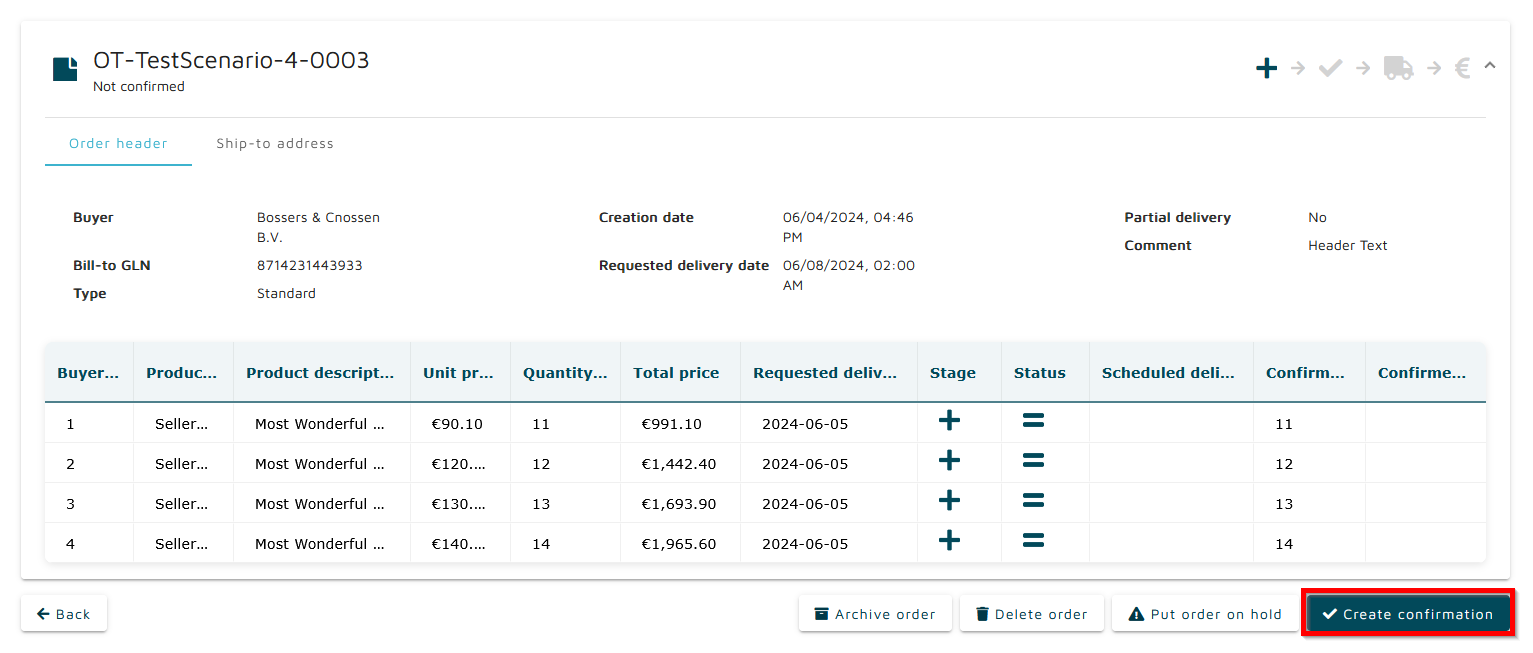
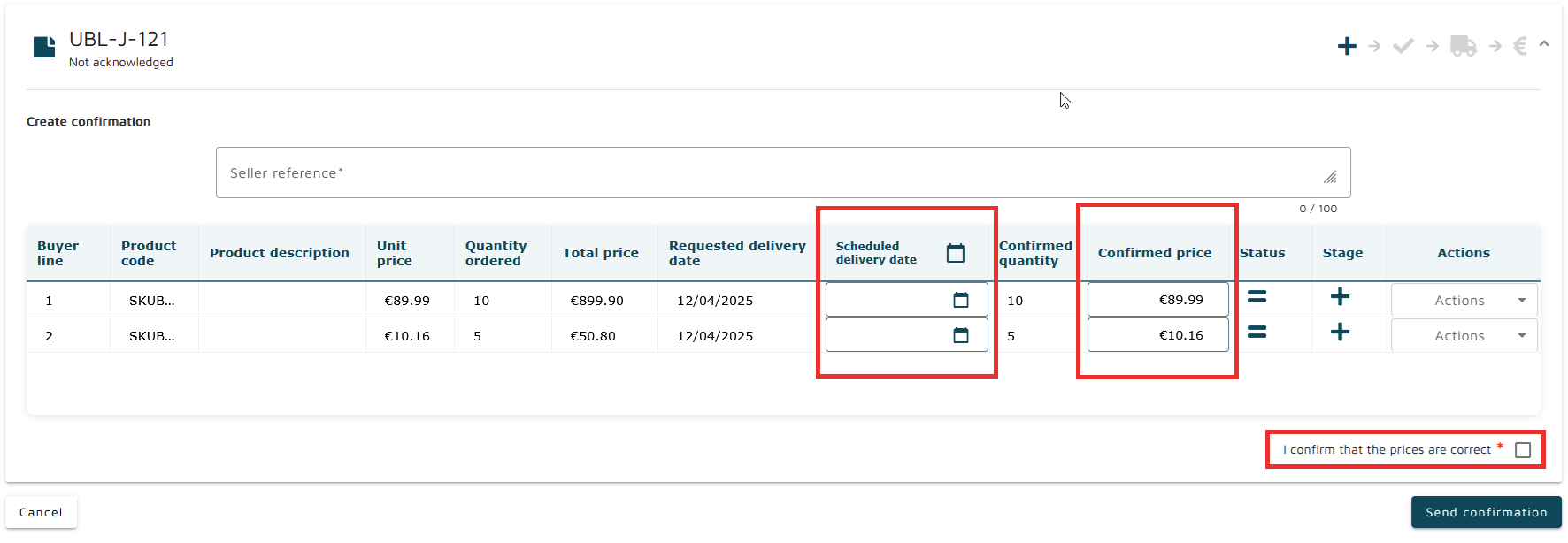
Confirming the order updates its processing state. Order confirmation updates the processing state of both the order and its line items.
An order in Not acknowledged transitions to Confirmed without changes or Confirmed with changes, depending on whether any information is modified during the confirmation step.
Line items transition from Stage: New to Stage: Confirmed → if no line-level actions are applied.
Line-level actions remain available during confirmation. This includes adjusting quantities, updating prices, and modifying other editable attributes before finalising the confirmation.